VPN Setup Guide
Follow these steps to set up the PKTAAB VPN on your Windows device.
← Back to VPN
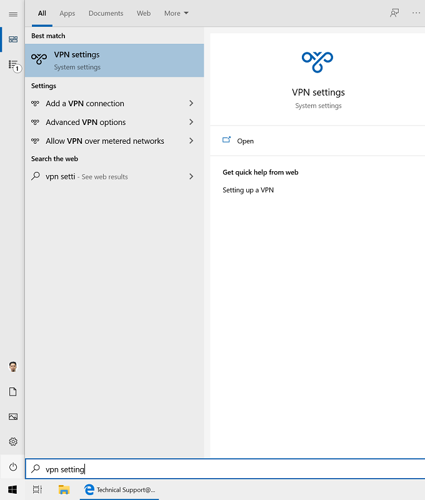
Open VPN settings
Open Settings, select Network & internet, then select VPN.
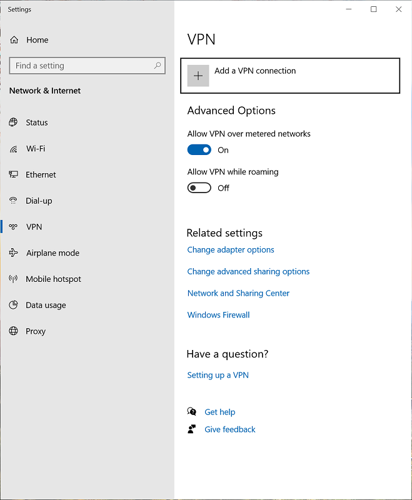
Add a VPN connection
Select Add VPN.
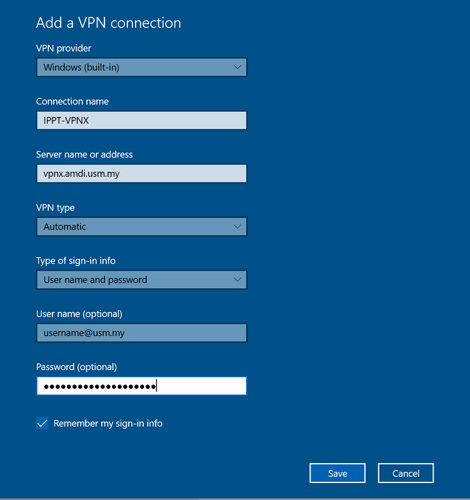
Enter the connection settings
Enter the connection settings below, then select Save.
Connect and check your access
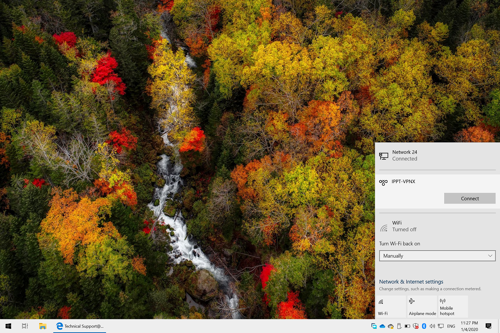
Select your PKTAAB VPN connection and select Connect.
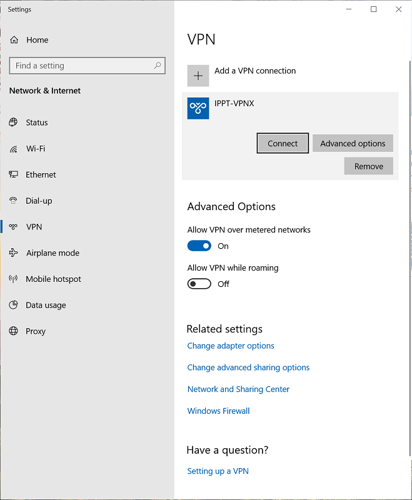
Then open the campus service you need.